
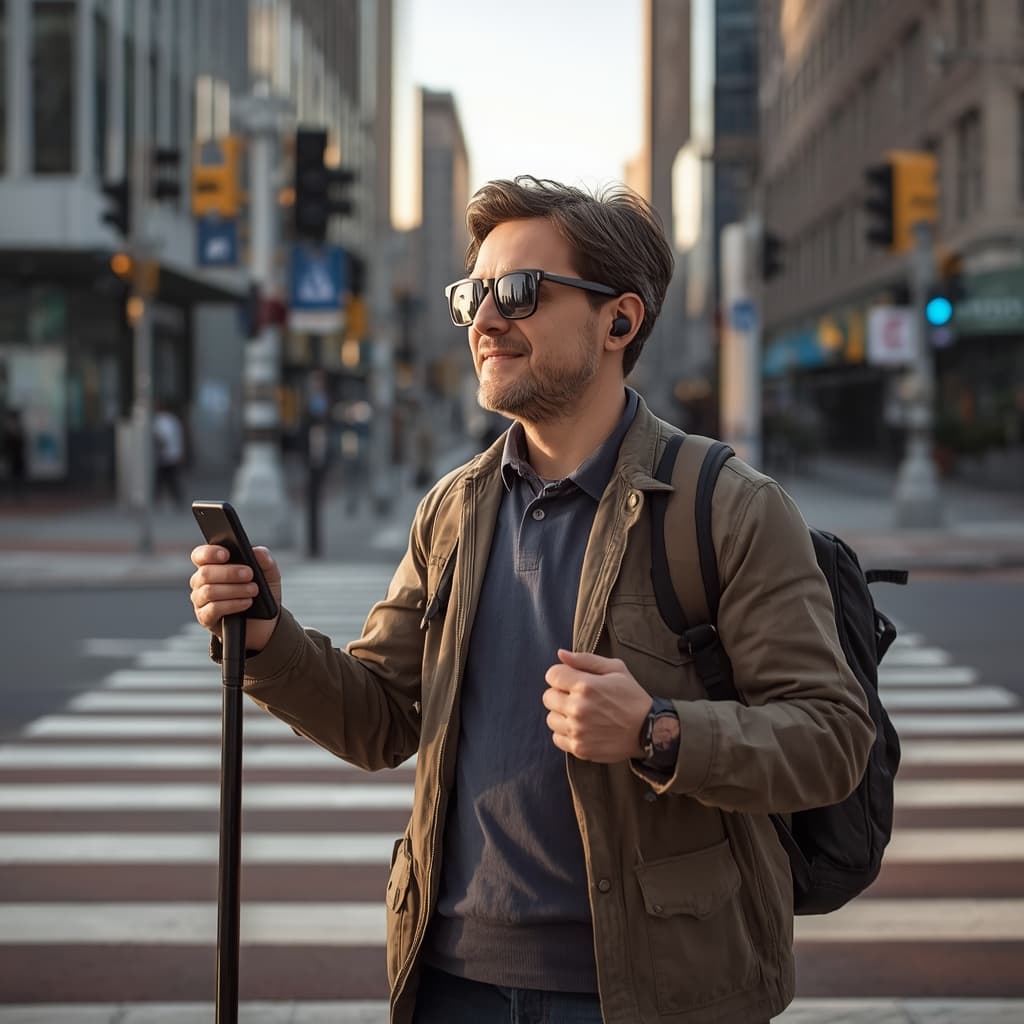
Navigation for the Visually Impaired: 6 Key Features Enhancing Mobility
Table of Contents
- Introduction: Navigating the World with Confidence – The Imperative for Accessible Mobility Solutions
- The Foundational Pillars: How Specialized Navigation Apps Empower Visually Impaired Users
- Deep Dive into Auditory Guidance: Advanced Voice Prompts, Spatial Audio, and Haptic Feedback for Independent Travel
- Beyond Visuals: High Contrast Interfaces, Dynamic Obstacle Detection, and Real-time Safety Alerts
- Empowering Choices & Future Frontiers: Selecting the Right Navigation App and Embracing Emerging Technologies
- Conclusion: Paving the Way for Universal Accessibility – The Ongoing Evolution of Navigation for All
- Frequently Asked Questions
Introduction: Navigating the World with Confidence – The Imperative for Accessible Mobility Solutions
In today’s fast-paced environment, efficient navigation of public spaces is often overlooked. For individuals with low vision or blindness, navigation for the visually impaired remains a complex, daily challenge requiring reliable tools to maintain independence and safety. The demand for accessible mobility solutions has surged, with assistive technologies becoming essential for equitable access. Features such as voice-guided navigation, haptic feedback, and real-time obstacle detection using ultrasonic or LiDAR sensors are significantly enhancing spatial awareness. Platforms like DUBO are developing tailored solutions that address the unique needs of users reliant on non-visual navigation cues.
Understanding Accessible Mobility Solutions
Modern smartphones incorporate advanced assistive technologies, including voice navigation apps compliant with WCAG guidelines, high-contrast and simplified map renderings, and environment-aware audio wayfinding. Screen readers provide precise, step-by-step verbal instructions following GPS coordinates with lane-level accuracy, while obstacle detection systems use machine learning to alert users to hazards within one meter. These developments increase confidence for visually impaired users navigating unfamiliar spaces by delivering real-time, context-specific information. Adoption of these technologies facilitates safer, more autonomous travel decisions grounded in reliable spatial data.
The Foundational Pillars: How Specialized Navigation Apps Empower Visually Impaired Users
Specialized navigation apps have become critical tools for visually impaired users, providing solutions tailored to the specific mobility challenges they face. These platforms integrate core technologies such as real-time audio instructions, ultrasonic or LiDAR-based obstacle detection, and high-contrast, large-text maps to improve spatial awareness and navigation accuracy. Consequently, individuals with partial or total vision loss can confidently navigate complex urban environments, including crowded intersections, transit hubs, and unfamiliar indoor or outdoor spaces.
Essential Features that Enhance Independence
Leading apps incorporate precise features like voice guidance delivering turn-by-turn directions with distance announcements calibrated in meters or feet, and contextual descriptions of surroundings. For example, audio wayfinding tools provide alerts for upcoming intersections, accessible entrances, points of interest, and transit stops with estimated arrival times. Screen reader compatibility ensures that all app controls conform to standards such as WCAG 2.1, improving accessibility. Additionally, high-contrast maps designed with ADA-compliant color palettes enhance usability for users with low vision. For a detailed exploration of these key functionalities, the comprehensive navigation for the visually impaired guide outlines best practices and emerging technologies in the field.
Applying Technology in the Real World
The practical application of these technologies yields tangible mobility benefits: obstacle alerts leverage sensors to detect hazards up to several meters ahead, providing timely warnings via audio or haptic feedback calibrated to intensity. Vibration cues offer discrete, directional alerts that supplement auditory information, facilitating safer navigation in noisy environments. Frequent software updates incorporate improvements based on user feedback and advances in machine learning to enhance accuracy and reduce false positives. For a historical overview and current trends in digital aid development, the assistive technology for blind people resource provides valuable insights. Utilizing these technology pillars effectively enables users to maintain autonomy and efficiency while traversing contemporary settings.
Deep Dive into Auditory Guidance: Advanced Voice Prompts, Spatial Audio, and Haptic Feedback for Independent Travel
Modern navigation for the visually impaired is advancing rapidly through the integration of precise audio prompts, spatial audio technology, and calibrated haptic feedback to improve wayfinding accuracy. These solutions extend beyond conventional turn-by-turn instructions by delivering context-sensitive, real-time information tailored for individuals who are blind or have low vision. Combining voice guidance app functionalities with wearable assistive devices enables users to navigate complex environments—such as crowded streets, transit hubs, and urban centers—with measurable improvements in spatial orientation. The use of high-contrast digital maps alongside screen reader-compatible navigation interfaces further enhances accessibility and situational awareness.
How Advanced Auditory Cues Transform Wayfinding
State-of-the-art auditory navigation systems employ three primary methods to enhance user orientation:
- Contextual voice alerts that identify upcoming obstacles, crosswalk status, or route deviations with precise timing
- Spatial audio technologies providing 3D sound localization cues—often through binaural rendering via headphones—to indicate directionality within an accuracy of a few degrees
- Haptic feedback mechanisms, such as patterned vibrations delivered through wristbands or belts, designed to discreetly reinforce navigational instructions without overwhelming the user
Practical Application: From Concept to Everyday Independence
Integrating these technologies transforms navigation into a functional daily skill for blind users. Employing screen reader-compatible route guidance alongside wearable obstacle detection sensors allows for effective negotiation of unfamiliar environments. Users can tailor auditory prompts by adjusting parameters such as volume, vibration intensity, and message verbosity to fit personal preferences and ambient conditions. Prioritizing ergonomic device design and customizable feedback modes ensures sustained user comfort and engagement. For optimal performance, practitioners should advise regular calibration of devices and periodic software updates to align with evolving environmental variables and individual mobility goals.
Beyond Visuals: High Contrast Interfaces, Dynamic Obstacle Detection, and Real-time Safety Alerts
Today’s navigation for the visually impaired is advancing well beyond basic turn-by-turn directions. Current solutions incorporate high-contrast interfaces, real-time obstacle detection using LIDAR or ultrasonic sensors, and immediate safety alerts to address accessibility challenges that historically limited autonomy for individuals with low vision or blindness. According to descriptions in assistive tools and technologies for people with visual impairments, contemporary systems combine voice-guided apps and high-contrast maps with sensor arrays that adapt dynamically to changing environments.
High Contrast Interfaces: Visibility at a Glance
Strong visual cues are critical for users with residual vision. Employing high-contrast color palettes compliant with WCAG 2.1 AA or higher standards, clear icons, and adjustable screen elements significantly improve usability. For example, mapping applications featuring high contrast maps increase the visibility of pathways and obstacles, effectively supporting users alongside screen reader outputs or haptic feedback. Optimal design also considers varying ambient lighting conditions and common forms of color vision deficiency, such as deuteranopia. Each visual and auditory layer must prioritize rapid comprehension and minimize cognitive load, ensuring that critical navigation data is presented clearly and without delay.
Dynamic Obstacle Detection and Safety Alerts
Beyond preprogrammed routes, integrated sensors—such as stereo cameras, LIDAR, and ultrasonic detectors—enable navigation tools to identify unexpected obstacles in real time and generate immediate, context-sensitive alerts. For instance, when a pedestrian crossing is obstructed by construction equipment, an audio wayfinding system can swiftly recalculate the safest alternative path, issuing clear voice notifications about detours and hazards. These real-time safety features increase situational awareness for users and improve overall pedestrian safety. To enhance user trust and effectiveness, alerts must be concise, contextually relevant, and allow customization for alert types and volume.
Empowering Choices & Future Frontiers: Selecting the Right Navigation App and Embracing Emerging Technologies
Choosing the optimal navigation solution for the visually impaired requires evaluating features that measurably improve autonomy and safety. Many contemporary applications integrate specialized voice guidance calibrated to standard speech synthesis protocols, high-contrast maps adhering to WCAG 2.1 AA standards, and real-time obstacle detection using GPS and ultrasonic sensors with latencies under 500 milliseconds. Users should assess practical requirements—such as whether frequent routes demand turn-by-turn audio directions with spatialized sound or if full screen reader compatibility (e.g., NVDA, VoiceOver) is necessary. For an informed decision, review technical analyses and updates on a review of navigation assistive tools and technologies for the visually impaired, detailing recent innovations and vetted app recommendations for independent mobility. Gathering user feedback from organized blind community trials can identify which functionalities deliver consistent real-world performance.
Evaluating App Features & Embracing New Technologies
When selecting accessible navigation tools for the blind, prioritize applications offering customizable voice command sets compliant with industry standards like VoiceXML, and those integrating reliably via Bluetooth or USB with assistive hardware such as braille displays and electronic mobility aids. For example, apps supporting screen reader compatibility enable effective information access in complex environments like transit hubs, while high-contrast map modes improve route clarity for users with residual vision or low vision conditions. For frequent outdoor use, ensure obstacle alert systems employ a combination of GPS accuracy within 3–5 meters and computer vision algorithms capable of detecting dynamic obstacles in under one second. It is critical to test multiple platforms to evaluate features such as precise audio cues, vibrotactile feedback, and customizable routing preferences including pedestrian paths and crosswalk alerts. Emerging technologies—such as AI-driven obstacle recognition that adapts in real time to environmental changes and augmented reality aids projecting orientation cues on smart glasses—offer significant potential to enhance independent navigation. Regularly revisiting apps is advisable, as continuous software updates can introduce improvements in accessibility compliance, sensor integration, and user interface responsiveness.
Conclusion: Paving the Way for Universal Accessibility – The Ongoing Evolution of Navigation for All
The pursuit of universal accessibility continues to drive advancements in navigation for the visually impaired, reshaping how users interact with their environments. Innovations such as voice-guided navigation features and high-contrast map displays enable users to navigate more independently. For instance, contemporary accessible navigation systems often integrate screen reader compatibility and real-time obstacle detection using computer vision or ultrasonic sensors, facilitating safer travel through complex urban and indoor spaces.
Breaking Barriers with Inclusive Design
Developing navigational tools with a focus on universal usability is critical. Audio wayfinding technologies allow users to interpret city layouts and public spaces without visual reference, often leveraging GPS combined with Bluetooth beacons or NFC tags for accurate indoor positioning. Features providing tactile and auditory feedback—such as haptic alerts on wearable devices or auditory cues through bone conduction headphones—deliver essential information for orientation and hazard awareness. By applying standards like WCAG 2.1 and ISO 23407 for tactile wayfinding, developers can create solutions that address diverse needs. Organizations interested in customized solutions can reach out for tailored consultation and orders.
Looking Forward: Sustained Progress
As technology progresses, coordinated efforts among designers, engineers, and accessibility advocates will be essential to refine navigation for the visually impaired further. Ongoing integration of AI-driven contextual awareness and improved sensor fusion will enhance precision and reliability, moving toward truly barrier-free mobility. The ultimate objective remains to engineer environments and systems that provide consistent, measurable improvements in user autonomy and safety.
Frequently Asked Questions
What features should a navigation app for the visually impaired have?
Look for turn-by-turn voice guidance, full screen reader compatibility, high-contrast maps, real-time obstacle detection, haptic or vibration cues, and adjustable audio verbosity so prompts can be tailored to the environment and personal preference.
How does real-time obstacle detection work?
It relies on sensors such as cameras, LiDAR, or ultrasonic detectors—often combined with computer vision—to identify hazards ahead and issue immediate audio or vibration alerts, letting the user adjust their path before reaching the obstacle.
Are these apps compatible with screen readers?
The best ones are designed to work seamlessly with screen readers like VoiceOver and TalkBack (or NVDA on desktop), ensuring every control and prompt is accessible without relying on sight.
Can navigation apps work indoors where GPS is weak?
Yes. Indoor wayfinding typically uses Bluetooth beacons, NFC tags, or Wi-Fi positioning rather than GPS, which is unreliable inside buildings, to deliver accurate step-by-step directions in places like transit hubs and malls.
Do I need extra hardware to benefit from these apps?
Not necessarily—many features run on a standard smartphone. However, wearables such as smartwatches and haptic wristbands, bone-conduction headphones, or braille displays can enhance directional cues and keep your ears free for ambient sounds.